Cart drawer#
Set the layout and content of the cart that opens over the page.
Live example#
Add this section#
Open the Overlays group in the theme editor, then select Cart drawer.
Settings#
General settings#
Shown when Theme settings > Cart > Cart type is set to Drawer. Set the order note and free shipping gauge in Theme settings > Cart.
- Color scheme: Choose a color scheme from Theme settings > Colors.
Drawer#
- Style: Choose Floating or Edge to edge. Floating keeps a margin around the drawer and rounds its corners; edge to edge runs it the full height of the screen against its side.
- Position: Choose End or Start. Mirrored in right-to-left languages.
- Width: 380–600 px.
- Page behind the drawer: Choose Dim, Dim and blur, or Unchanged.
Content#
- Show vendor and SKU
- Show "View cart" link
Recommendations#
- Show recommendations: Products that go with the first item in the cart, from Shopify's product recommendations.
- Heading: The main title for this section or block.
- Products: Choose Related or Complementary. Choose complementary products in the Search and Discovery app.
- Products to show: 1–6.
Empty cart#
- Empty cart visual: Choose None or Image.
- Image: For a clear result, use an image around 600 x 600px.
- Image shape: Choose Circle, Rounded, or Adapt to image.
- Image size: 96–320 px.
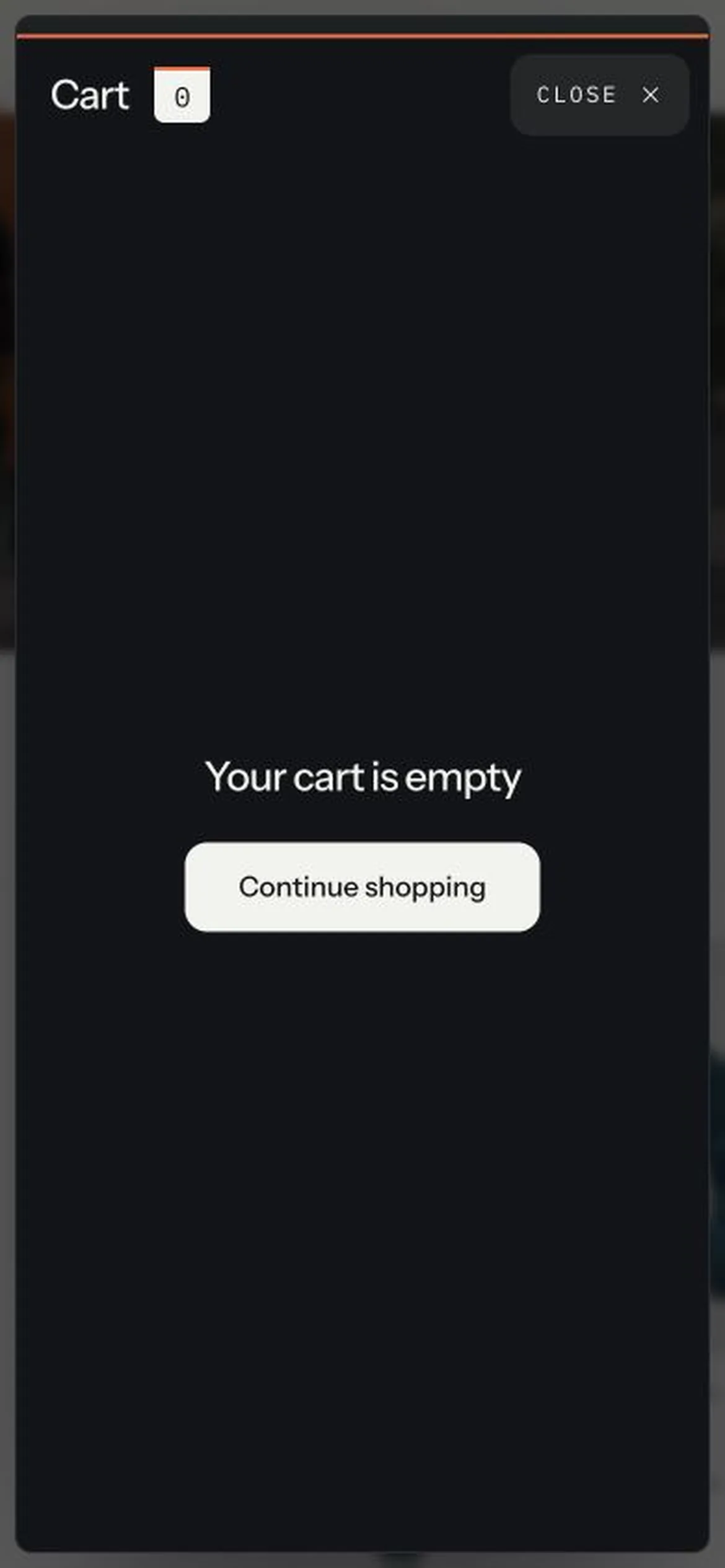
- Heading: Leave empty for "Your cart is empty" in the store's language.
- Text: Enter and format the text.
- Button label: Leave empty for "Continue shopping".
- Link: Choose the page or address to open.
- Collections heading
- Collections: Choose one or more collections.
Mobile layout#
- Style: Choose Full screen with margin, Full screen, edge to edge, Slide in from the side, or Bottom sheet. Slide in from the side comes from the drawer's position (start or end) and leaves a sliver of the page in view.
- Use compact lines: Leaves out the vendor, SKU and option names on phones.