Kit builder#
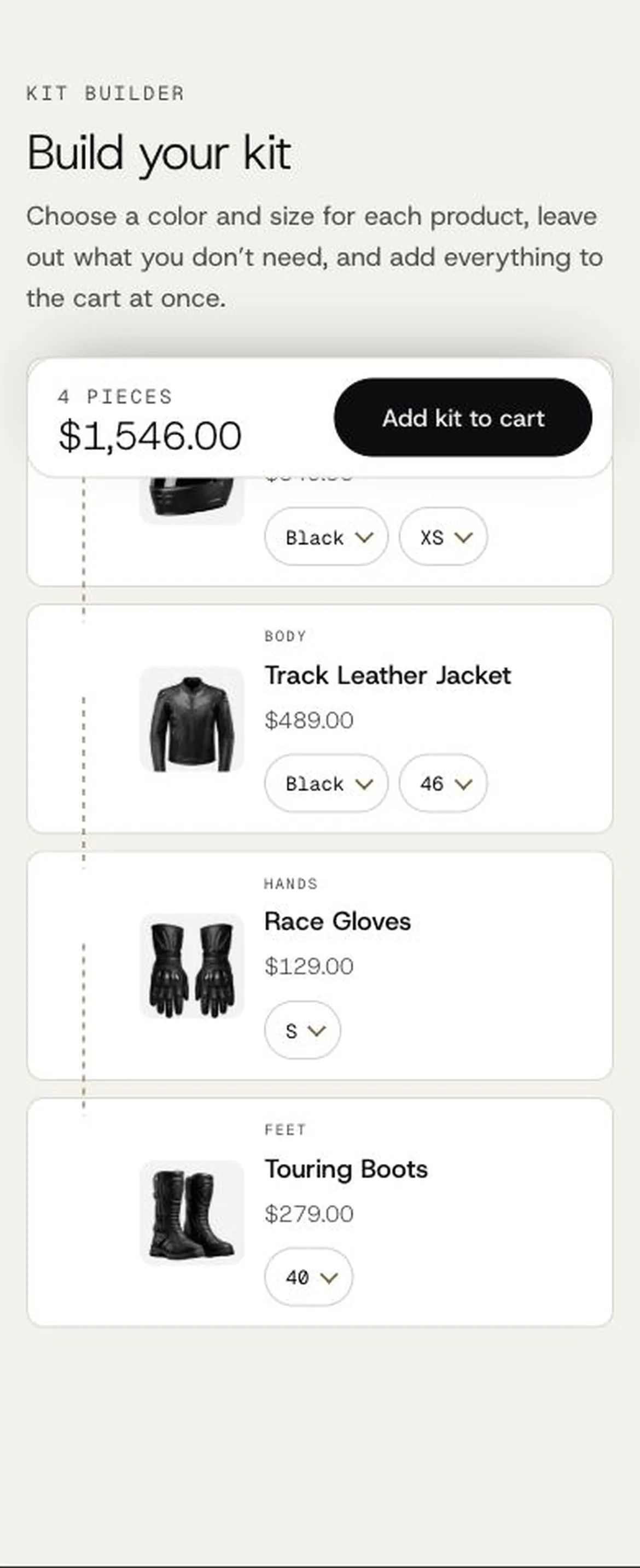
Help shoppers choose several products and add the complete kit to the cart.
Live example#
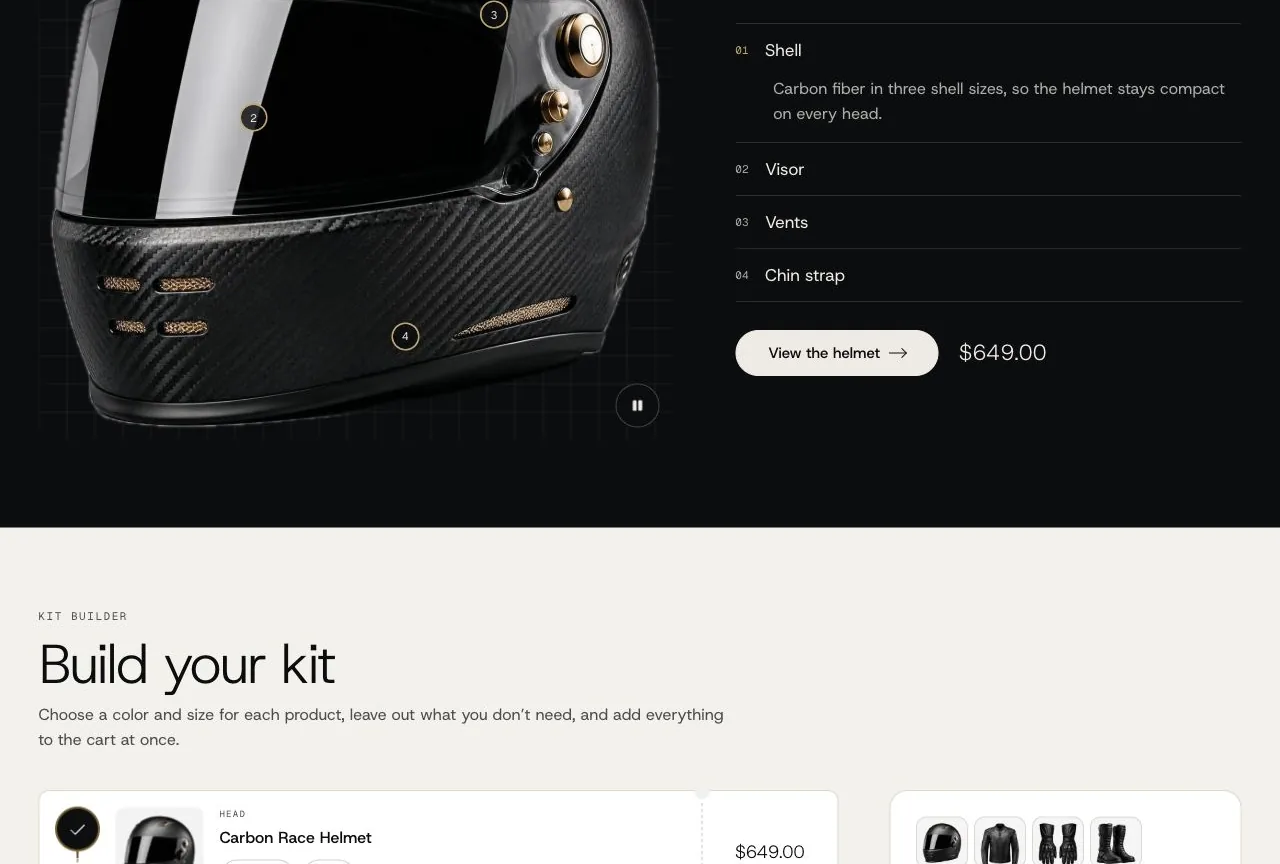
Add this section#
Select Add section > Kit builder on the template you want to edit.
Settings#
General settings#
- Subheading: A short line above the heading.
- Heading: The main title for this section or block.
- Text: Enter and format the text.
- Button label: The words on the button.
- Color scheme: Choose a color scheme from Theme settings > Colors.
Section padding#
- Top padding: 0–160 px.
- Bottom padding: 0–160 px.
Mobile layout#
- Keep the total visible while scrolling
- Top padding: 0–120 px.
- Bottom padding: 0–120 px.
Blocks#
Product#
General settings#
- Product: Choose a product.
- Body area: Choose Head, Body, Hands, Legs, Feet, or Other. Shown above the product name.
- Label: Leave empty to use where it is worn.