
Brands
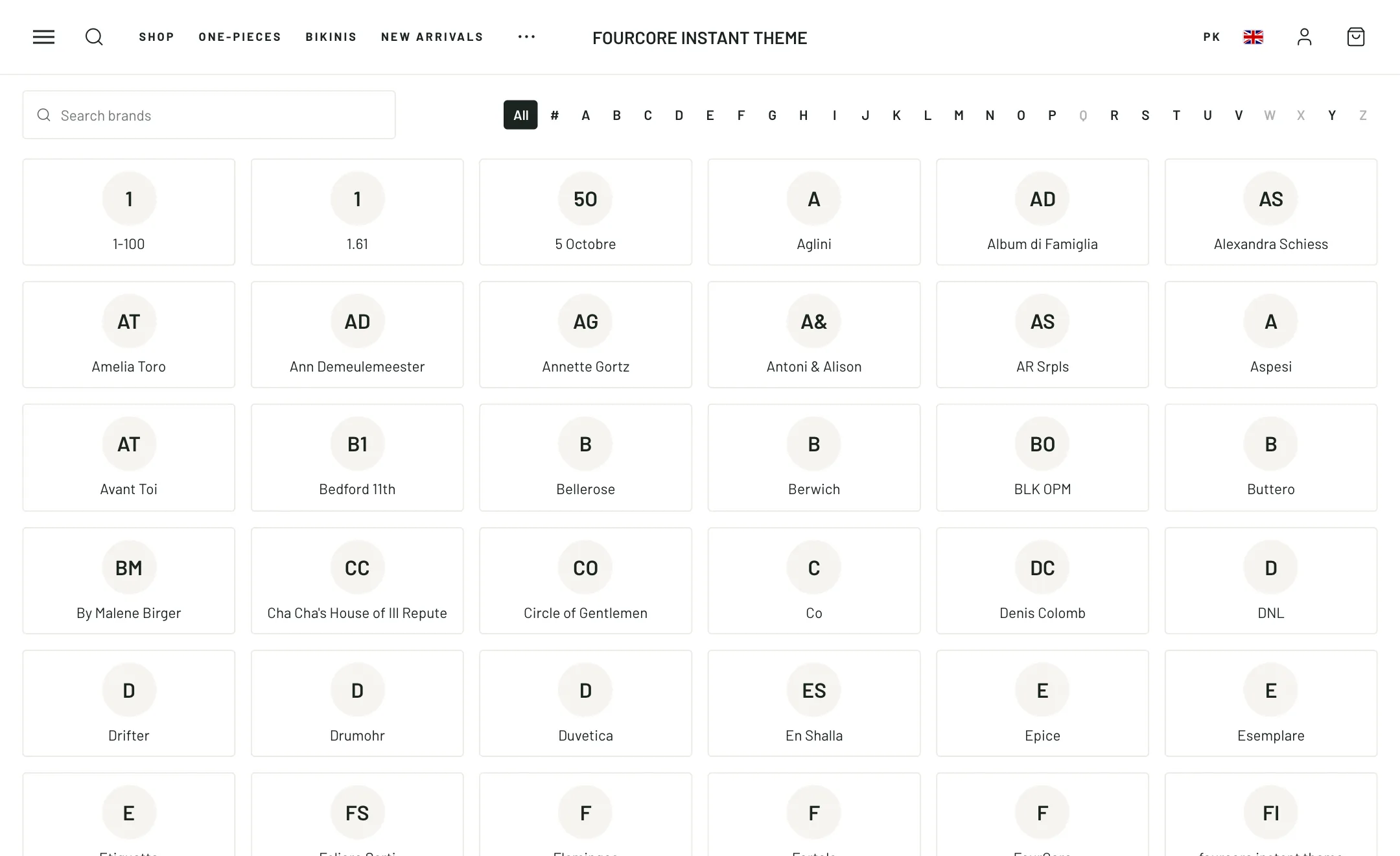
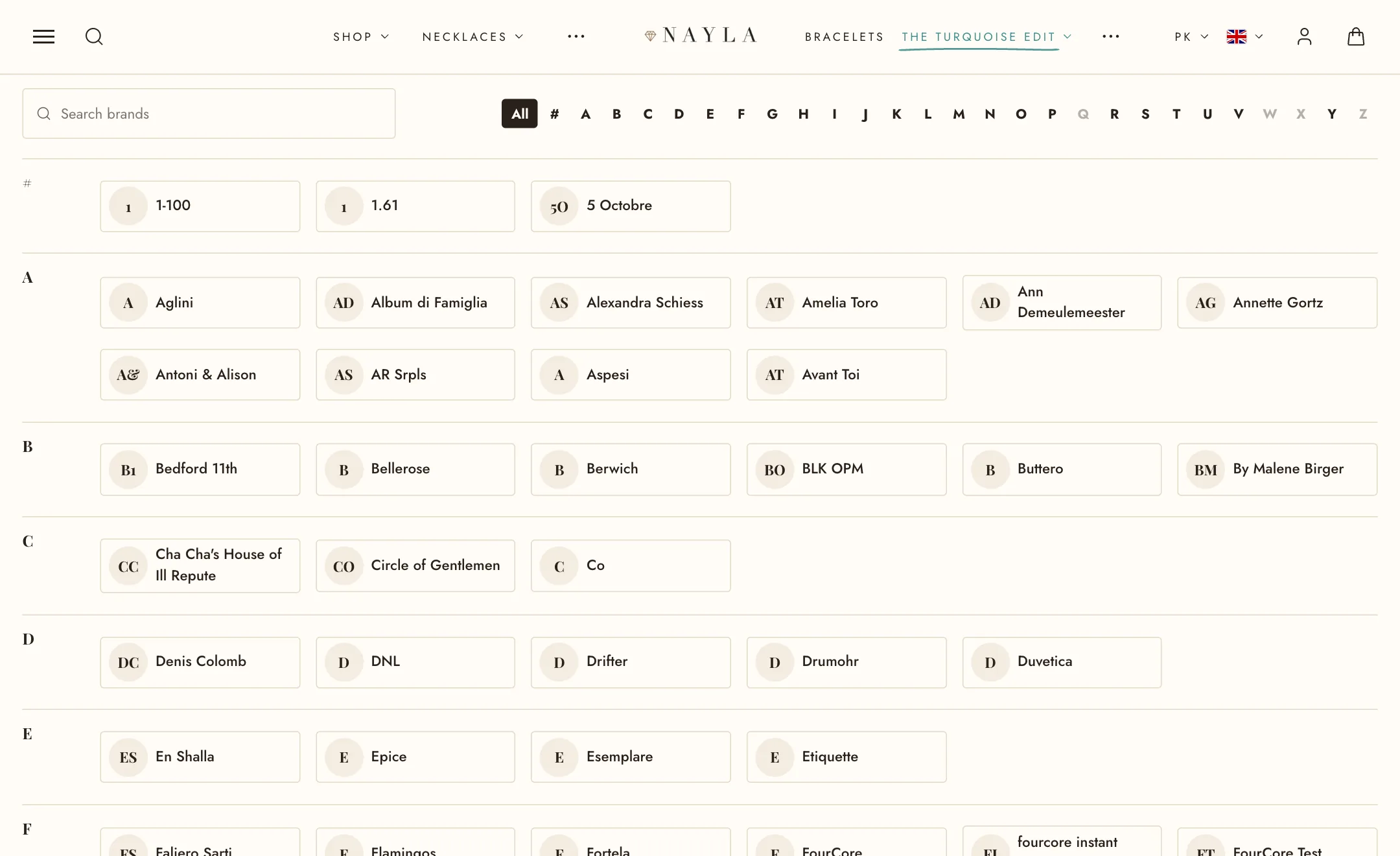
The section reads the vendor on each of your products and lists every brand it finds. You do not maintain the list; you add a Brand block only for the ones you want to give a logo or a link.
Set it up
Section titled “Set it up”Under Brands, Layout is a Logo grid or an A–Z directory of names. Brands to leave out removes any you do not want listed, written as they appear on the products. Switches add names under logos, product counts (from a collection with the same name as the brand), a search box that narrows the list as the shopper types, an A–Z filter, and a featured row at the top.
Under Logos: logo height, plain or boxed tiles, grayscale until hover, and brands per row.
Giving a brand a logo
Section titled “Giving a brand a logo”Add a Brand block with the Brand name exactly as it appears on the products. Upload a Logo; without one, the picture of a collection with the same name is used. Set a Link; without one, the brand’s collection or its automatic brand page is used. Featured puts it in the featured row.
On mobile
Section titled “On mobile”Brands per row is one to three.