
Shipping and delivery
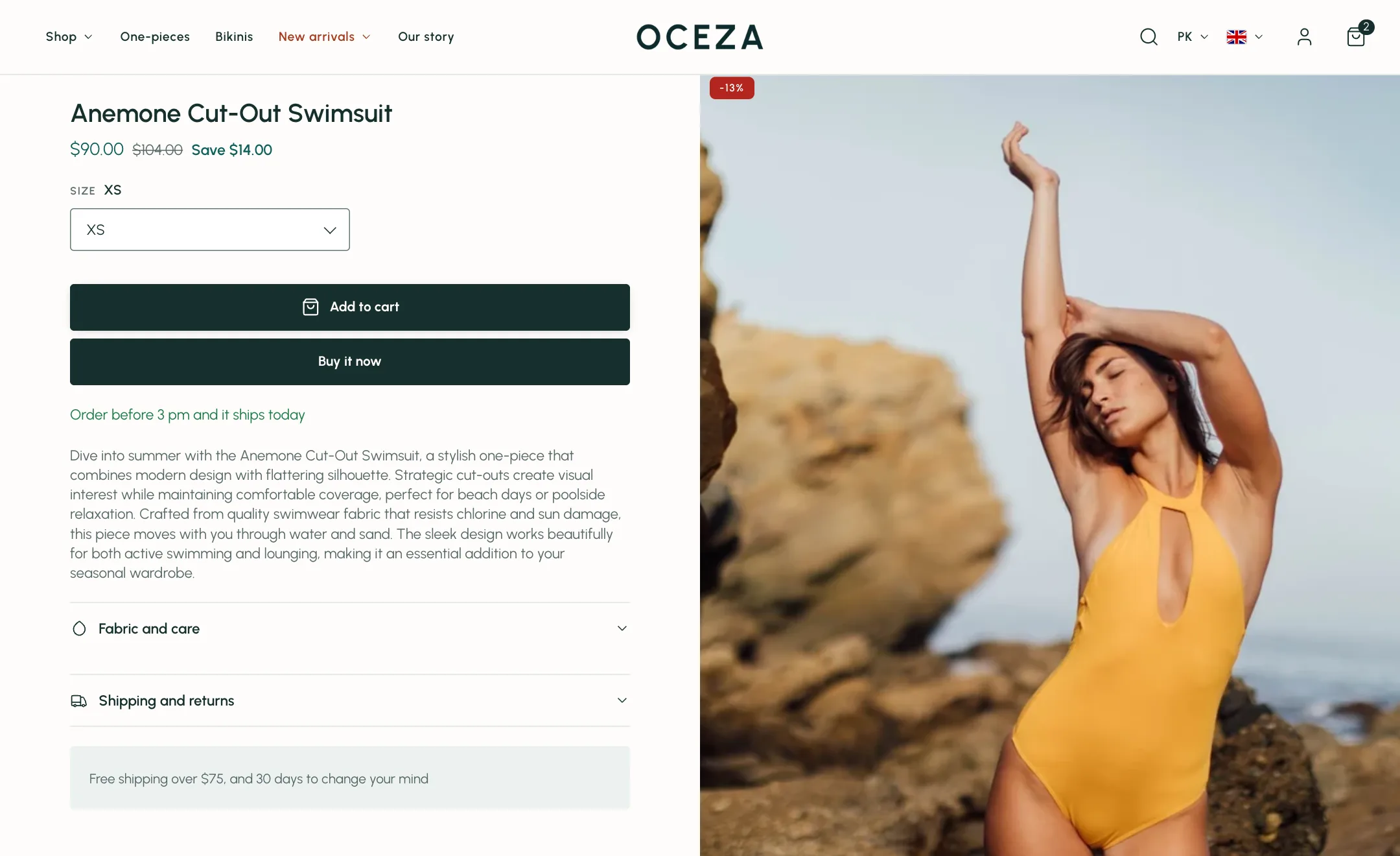
Two things live under Theme settings → Shipping and delivery: the sentence that tells shoppers when a product will arrive, and a countdown that tells them how long they have to order for it to ship today. Both are worded once here and shown wherever you switch them on.
Delivery time
Section titled “Delivery time”Default delivery time when in stock and Default delivery time when sold out are the two sentences, such as “Order before 10 pm for next-day delivery” and “Back in stock soon”. They start empty so the store never promises a delivery time you have not set; once written, every product uses them unless it has its own.
Returns
Section titled “Returns”Return window and Return shipping describe your return policy to search engines and Google Shopping alongside every product, so listings can show it. Set the window to 0 if you do not accept returns. They change nothing on the page itself.
To give a product its own, fill the metafields named in Metafield for products in stock and Metafield for sold-out products on that product in your Shopify admin. Default extra delivery information and its metafield add a second line under the delivery time on the product page.
Show delivery time for products without inventory tracking decides what happens for products whose stock is not counted.
Where it shows:
- On the product page, through the Inventory and delivery block.
- On product cards, when Show delivery text is on under Theme settings → Product cards.
- On the cart’s suggested products, when Show delivery time on suggested products is on under Theme settings → Cart.
Shipping countdown
Section titled “Shipping countdown”For stores that ship the same day. Set Customers must order before to your cut-off and Start showing the timer at to when the countdown should first appear. Tick the days you ship. The countdown uses the shopper’s own clock, so it is always right for them.
Turn it on where you want it: the Shipping countdown block on the product page and the cart page, and Show shipping countdown in the cart drawer section.