
Featured product
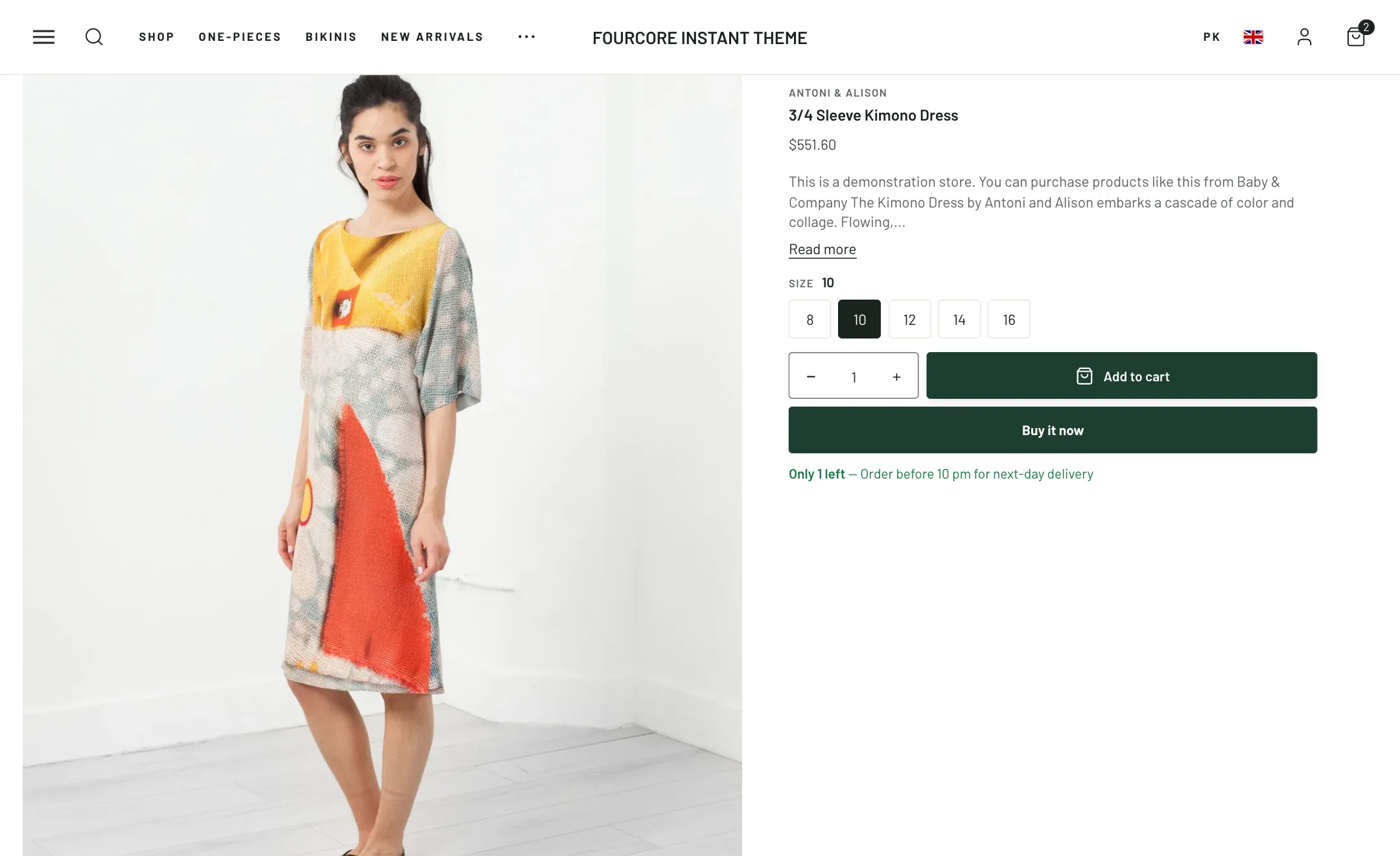
Put one product on the home page, a landing page or a story page, ready to buy without leaving. The picture sits on one side and the details on the other, and the details are the same blocks the product page uses.
Set it up
Section titled “Set it up”Pick the Product. Under Layout: Image position left or right, Image ratio from landscape to portrait, and Width.
The details
Section titled “The details”Add and reorder the blocks: Title, Price, Rating, Vendor, Product codes, Inventory and delivery, Variant picker, Buy buttons and Short description. Each has the same settings as on the product page, so a variant picker set to swatches here looks as it does there.
Adding to cart opens the cart drawer like anywhere else.