
Product labels
Labels are the small badges on product pictures: Sale, Sold out, New. They are set up once under Theme settings → Product labels, and appear on cards, on the product page’s photos and in the cart’s suggestions.
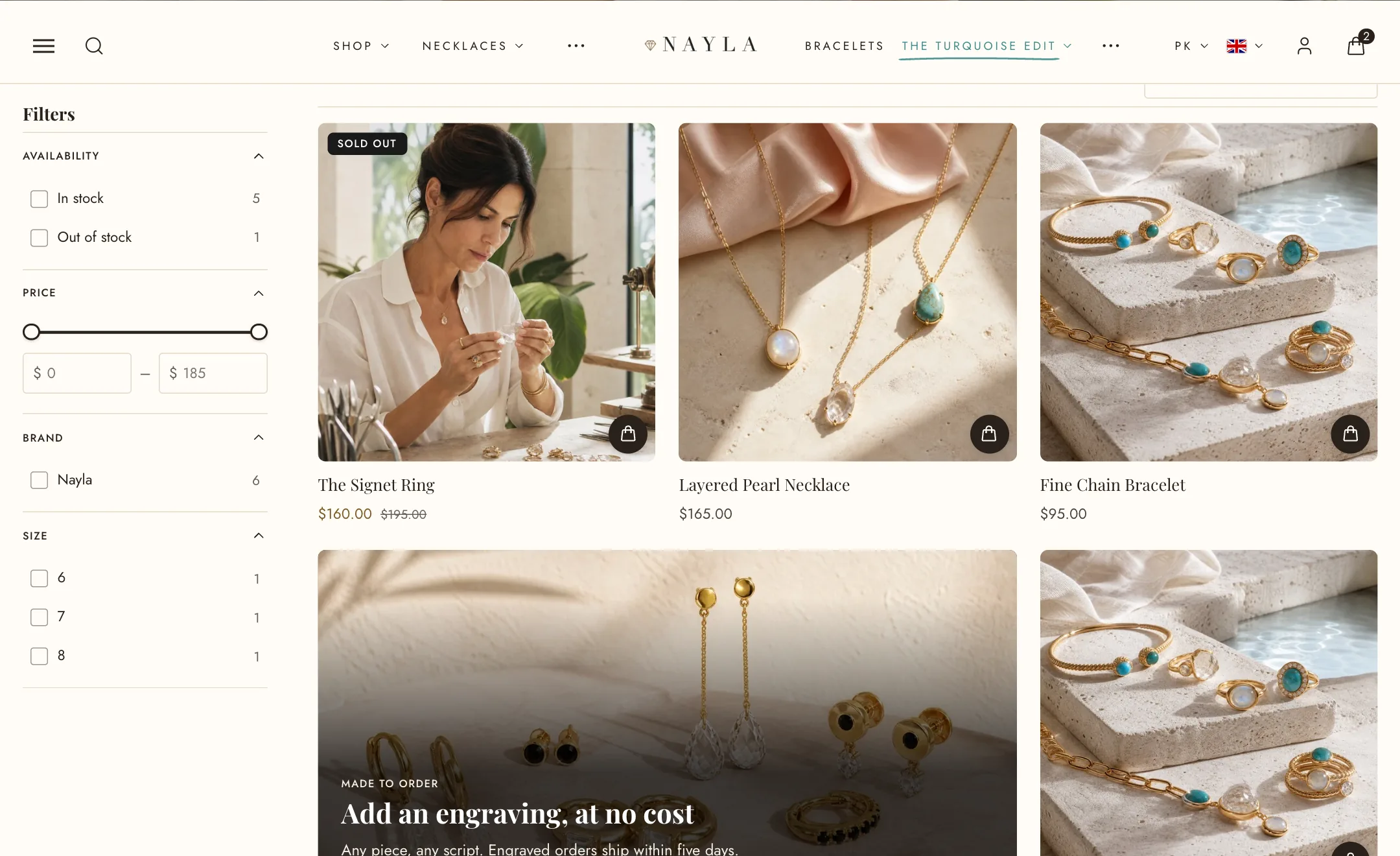
The built-in labels
Section titled “The built-in labels”- Sale shows on any product whose price is below its compare-at price. Sale label style is plain text, the percentage saved, or the amount saved.
- Sold out shows when nothing is in stock.
- Pre-order shows when a product is out of stock but set to keep selling, so orders are still taken.
- New shows for Days since published after a product is added.
- Low stock shows when stock falls to Stock threshold or below.
Each has a switch and a colour.
Your own labels
Section titled “Your own labels”Custom labels provides three additional labels. Each has text and an optional product tag. Leave the tag empty to show the label on every product, or enter a tag to show it only on products with that tag.
Per-product labels turns tags into labels. Any tag that starts with label: becomes a label, so tagging a product label:Bestseller shows Bestseller on it. Stores using metafields can use the theme.label field instead.
Layout
Section titled “Layout”Position is any corner. Shape is square, rounded or pill. Maximum labels per card stops a product that is on sale, new and low in stock from wearing three at once. Hide labels on mobile clears them on phones.
The sale label also sits beside the price in the cart’s suggestions, so a shopper sees the saving where they see the price.