
Swatches
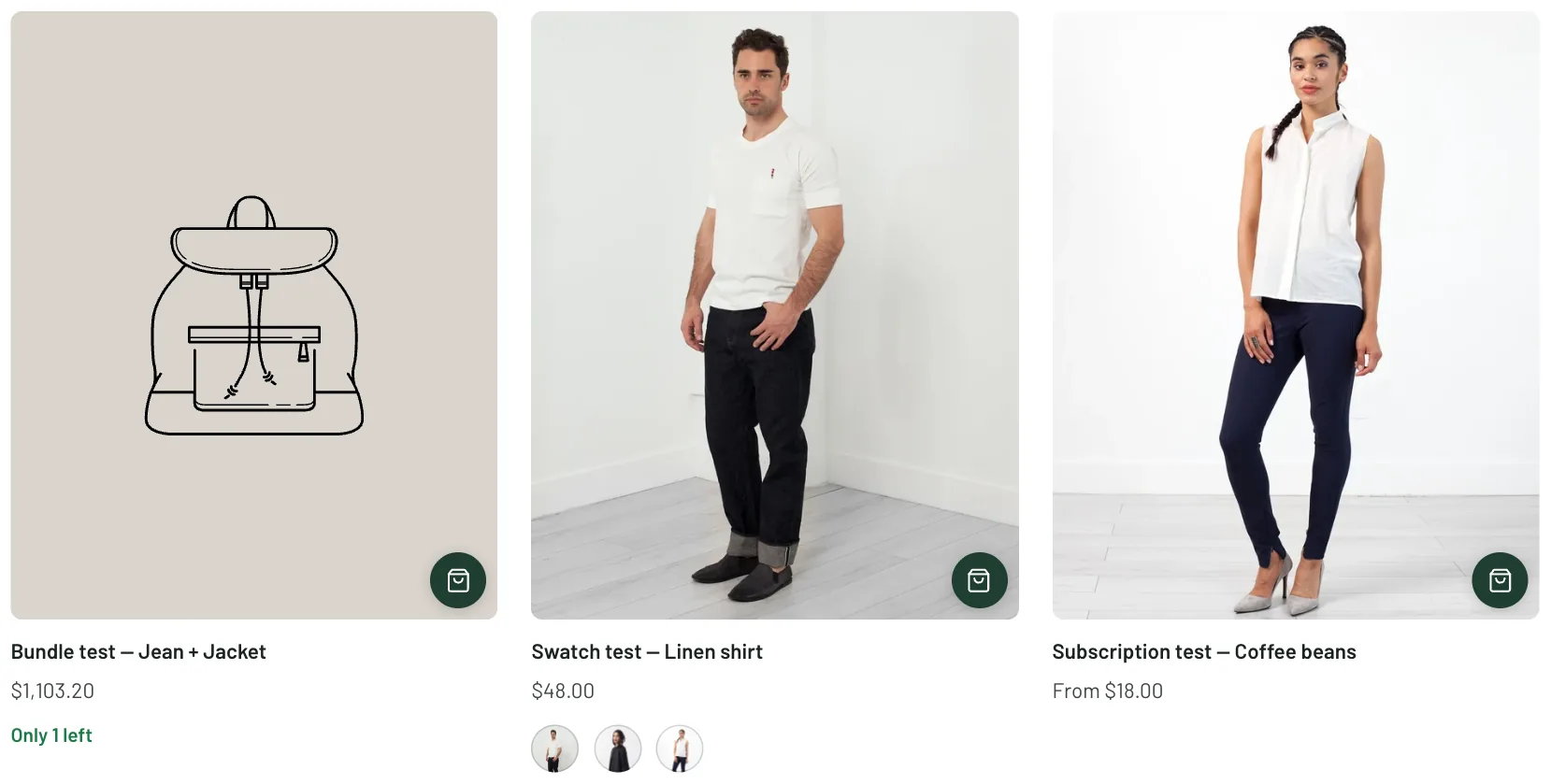
Swatches are the small colour circles that stand for a product’s colour option. Set them once under Theme settings → Swatches, and cards, the product page and the cart’s suggestions all use them.
Where the colour comes from
Section titled “Where the colour comes from”Swatch type is Variant images, which cuts a swatch from each variant’s own photo, or Color swatches, which paints a plain colour. Shopify’s own swatches, set on the option values in your admin, are used first when they exist.
Color option name tells the theme which option is the colour one; add every spelling you use, separated by commas. Custom colors maps names to colours or pictures, one per line, such as Anchovy: #4a5560 or Anchovy: anchovy.png for a file you have uploaded.
How they look
Section titled “How they look”Shape is a circle or a square. For image swatches, Image swatches fills the swatch with the picture or shows the whole picture, and Crop from picks the top or the centre; a picture’s own focal point wins when one is set. Show swatches in dropdowns adds them to variant menus too.
Whether swatches show on cards, how many, and what a click does is set under Theme settings → Product cards.