
Split banner
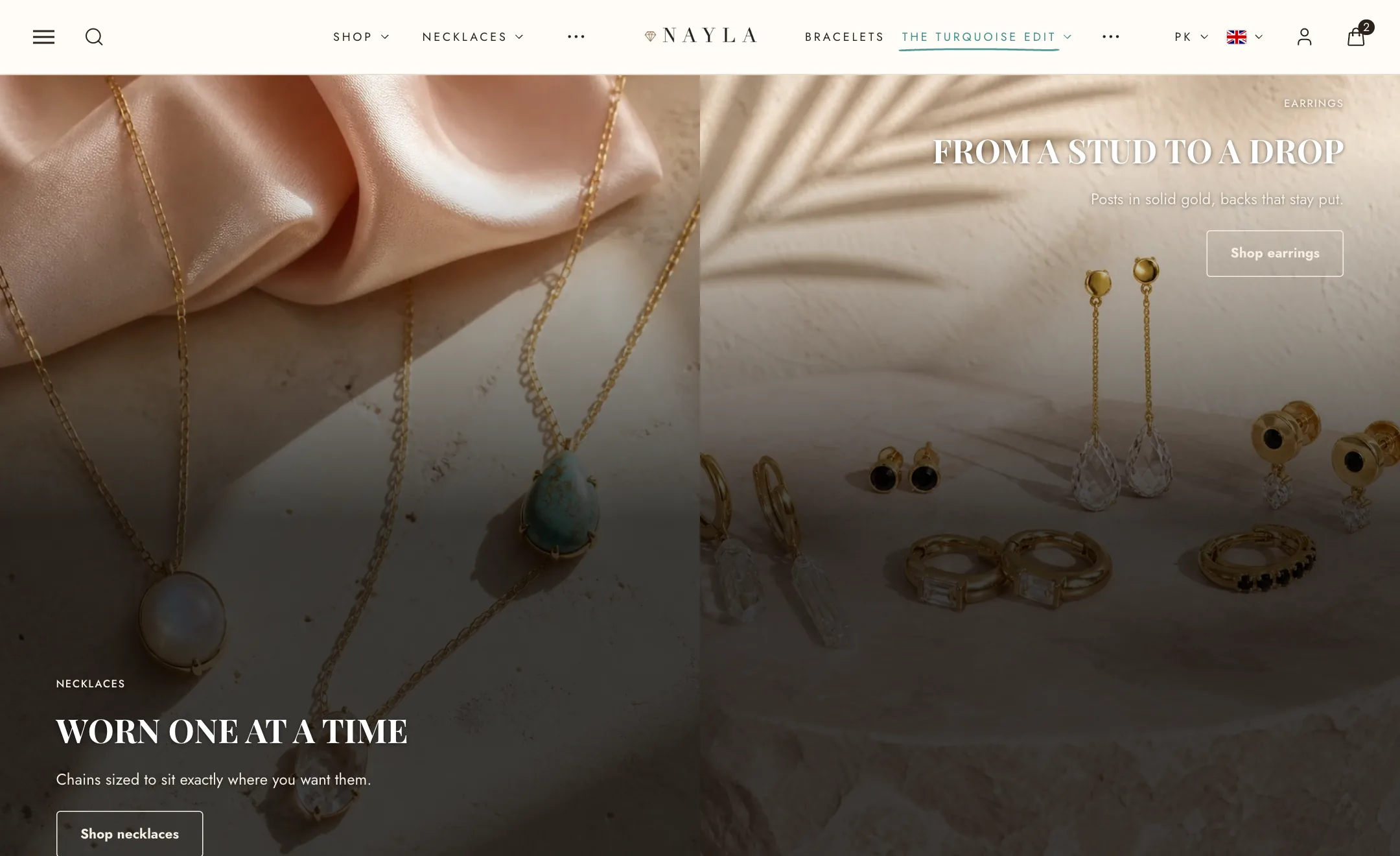
Two pictures, or videos, share one banner, and the words sit across both. On mobile the pair can sit side by side, stack, or give way to the first picture alone.
The pictures
Section titled “The pictures”First picture and Second picture each take an Image or a Video that plays silently on a loop, and a Link. Leave the second one empty and the section shows one picture across the full width.
Under Layout, First picture width sets the split. Height is one shape for both: full screen, Adapt to first image, the standard shapes from ultrawide to portrait, or a custom height. The second picture always fills the same height as the first, so the pair never steps. Space between pictures and Corner radius shape the join. Image overlay and its opacity shade both pictures so words read. Zoom pictures on hover eases each picture larger under the pointer.
The words
Section titled “The words”The words are content blocks, the same as the slideshow and video banner: eyebrow, heading, text, countdown and buttons inside a Content block placed with nine positions, offsets and a width. A second, empty content block waits for a second message.
Under Look, Text and button colors is the scheme for the words; Show a background paints the scheme’s background behind the pictures, seen in the gap and around rounded corners. Width is boxed or full.
On mobile
Section titled “On mobile”Under Mobile layout, Pictures is side by side, stacked, or the first picture only. Words go over the pictures or below them. Height can follow the desktop or take its own, and each picture can have its own phone version.