
Search settings
Whether search is on, and where it sits on phones, is set in the header section. Everything about how it behaves is under Theme settings → Search.
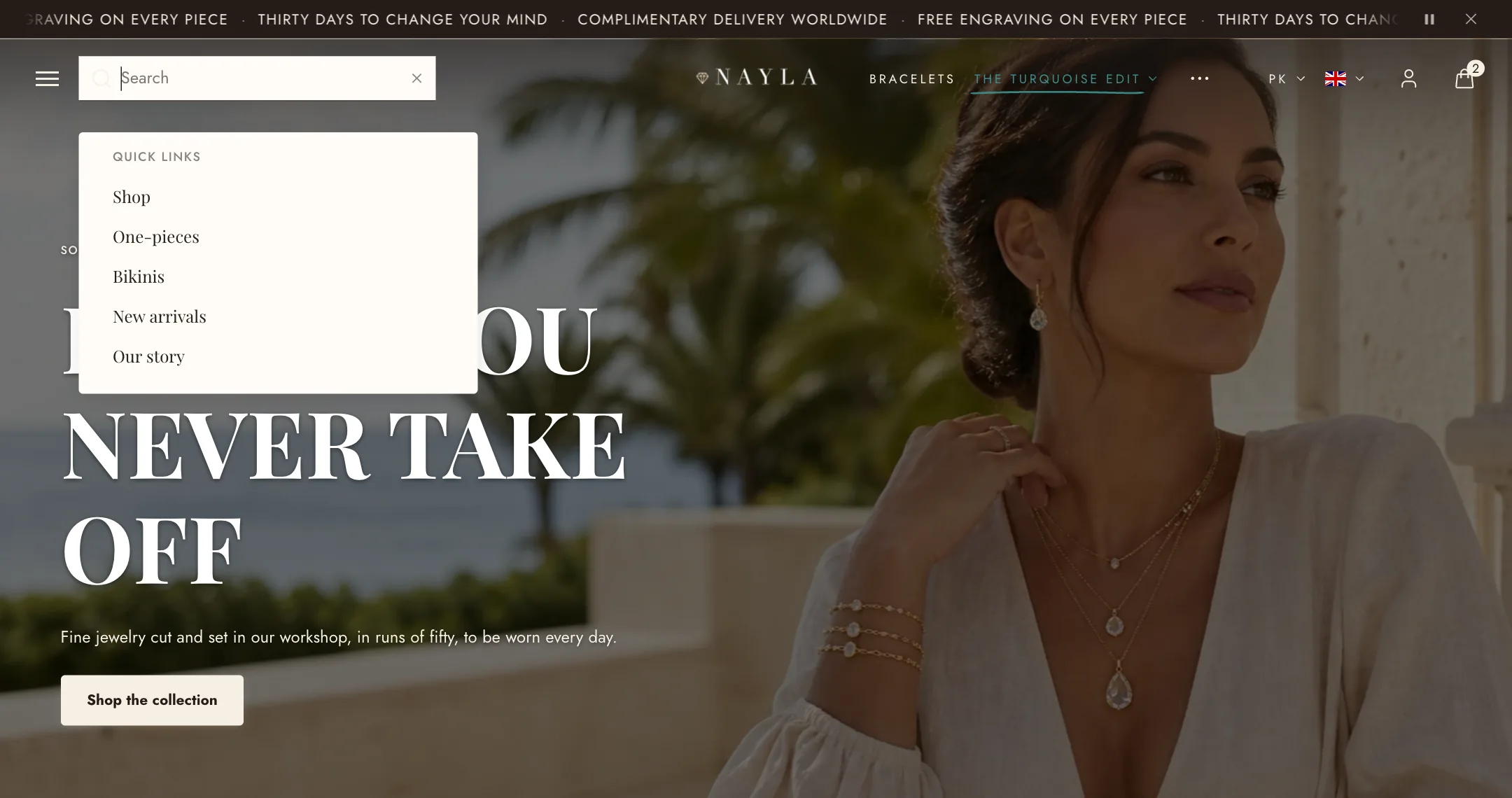
Desktop search style is Inline, which expands the field in the header, Overlay, a full-screen panel, or Drawer, a panel that slides in from the side you choose.
Quick links is the menu shown before a shopper types, your main menu by default. Browse menu is a second list of links for the overlay and drawer styles. Featured image and Featured heading add a promo picture to those two styles.
Products shown caps the products in the live suggestions. Remember recent searches keeps a shopper’s recent terms on their own device and offers them next time.
The results page itself is described under Search.