Events
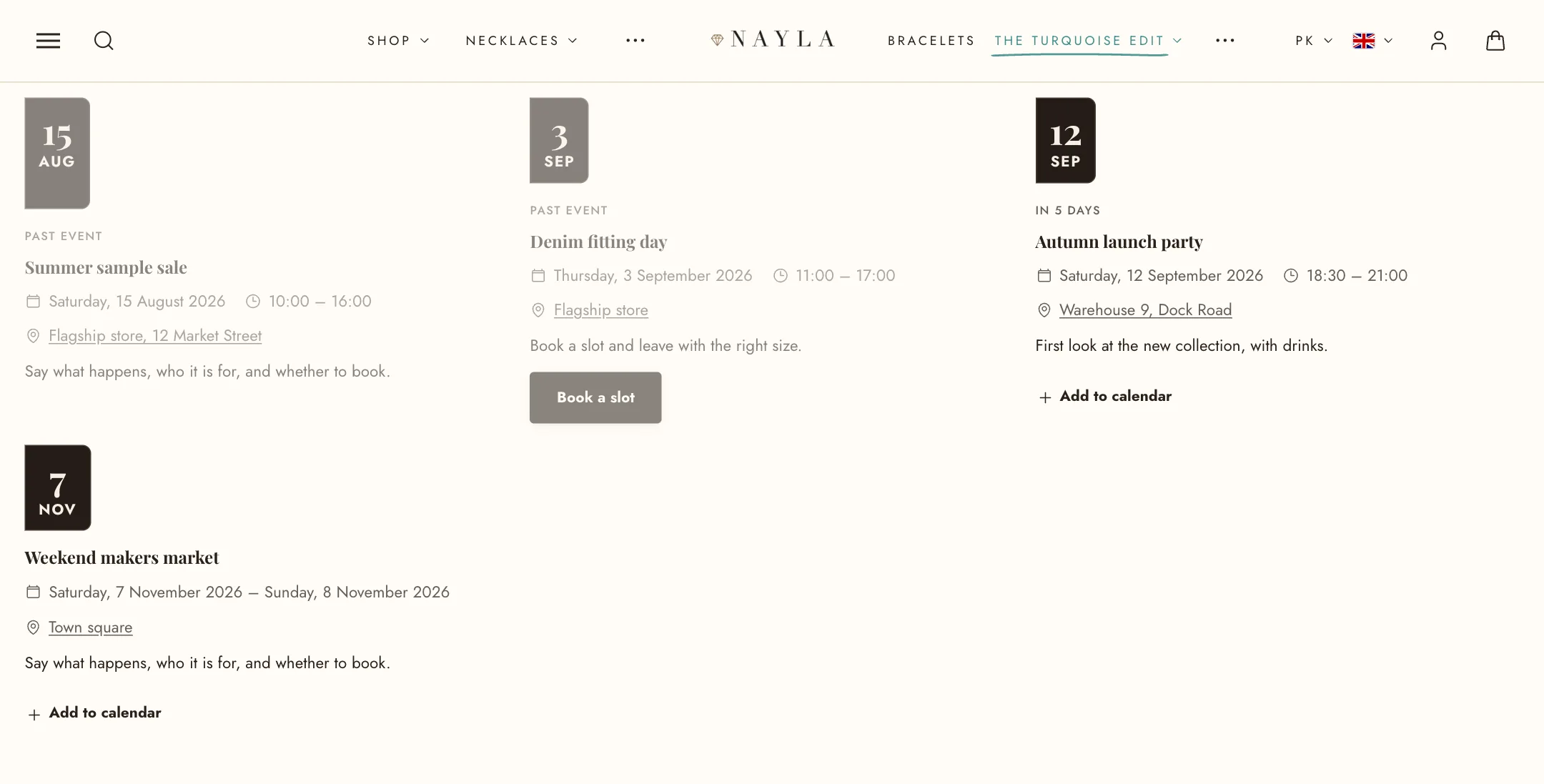
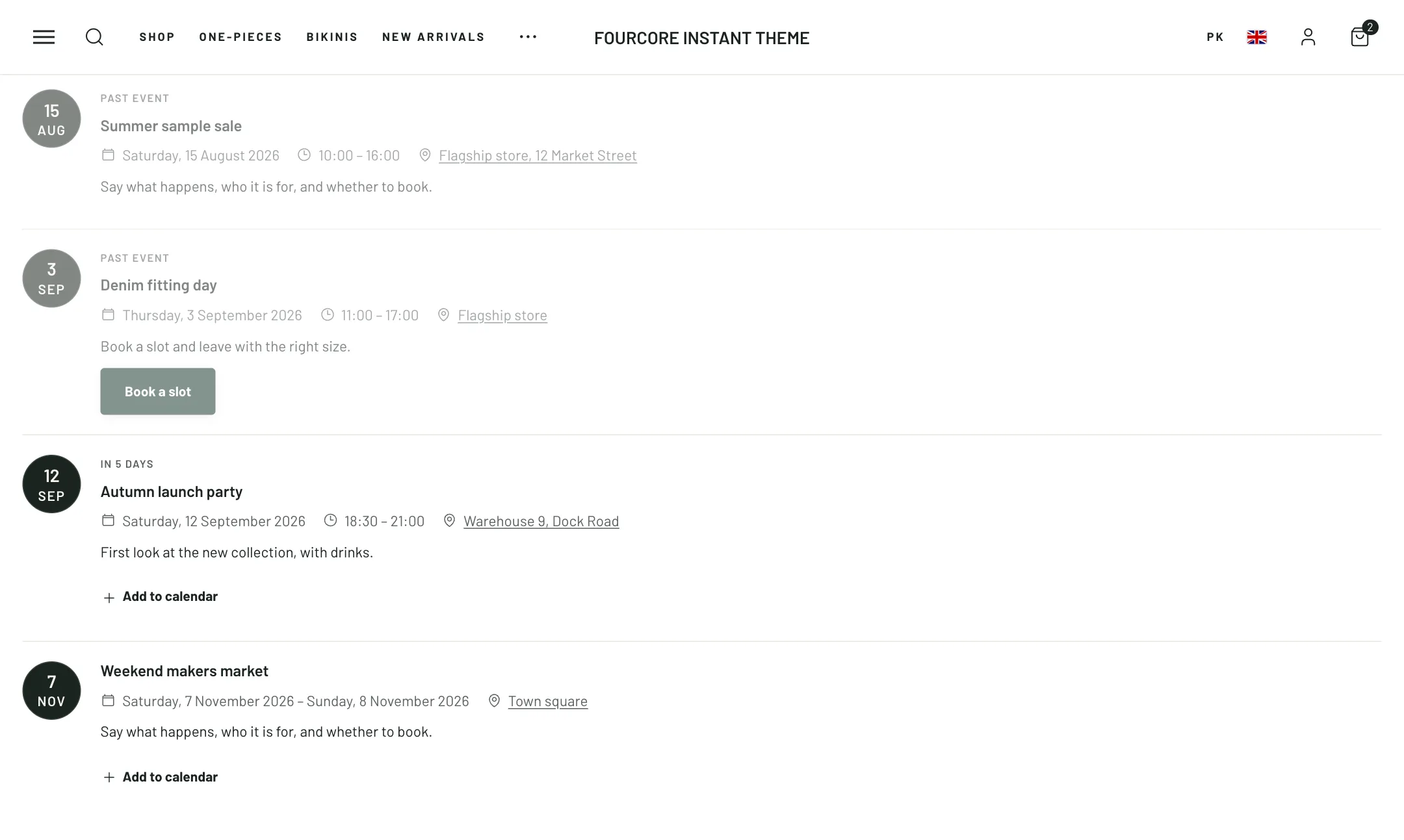
For launches, workshops, markets and pop-ups. Each event is a block; the section sorts them by date, says “In 3 days” when one is close, and hides the ones that have passed.
Each event
Section titled “Each event”Add an Event block: its Name, Description and Image. Under When: the Date as year-month-day, a Start time and End time in 24-hour form (leave the start empty for an all-day event), and an End date for events over several days. Under Where: the Location, which opens in a map unless you give a Location link, and the Address, which calendars and search engines use; leave it empty to use your store’s address. Under Button: a label, link and style; the link is also used as the event’s page in calendars.
The list
Section titled “The list”Under Events: List or Grid with events per row. Order by date sorts them; off keeps your block order. Events that have passed are hidden, shown greyed out, or shown as normal; in the editor hidden ones stay visible so you can still edit them. Say ‘In x days’ up to sets how close an event must be before the countdown wording appears. Pick a Date format.
Show ‘Add to calendar’ gives each event a button for Google Calendar and a file for Apple Calendar and Outlook. Date badge puts the date on the picture as a corner badge, a side band or a circle, in its own colour scheme. Text when nothing is coming up is what shows when every event has passed.