
Text orbit
A ring of short phrases turns slowly around a product or a cut-out, with your heading and buttons beside it. It is the same visual the password page can use, as a section for any page.
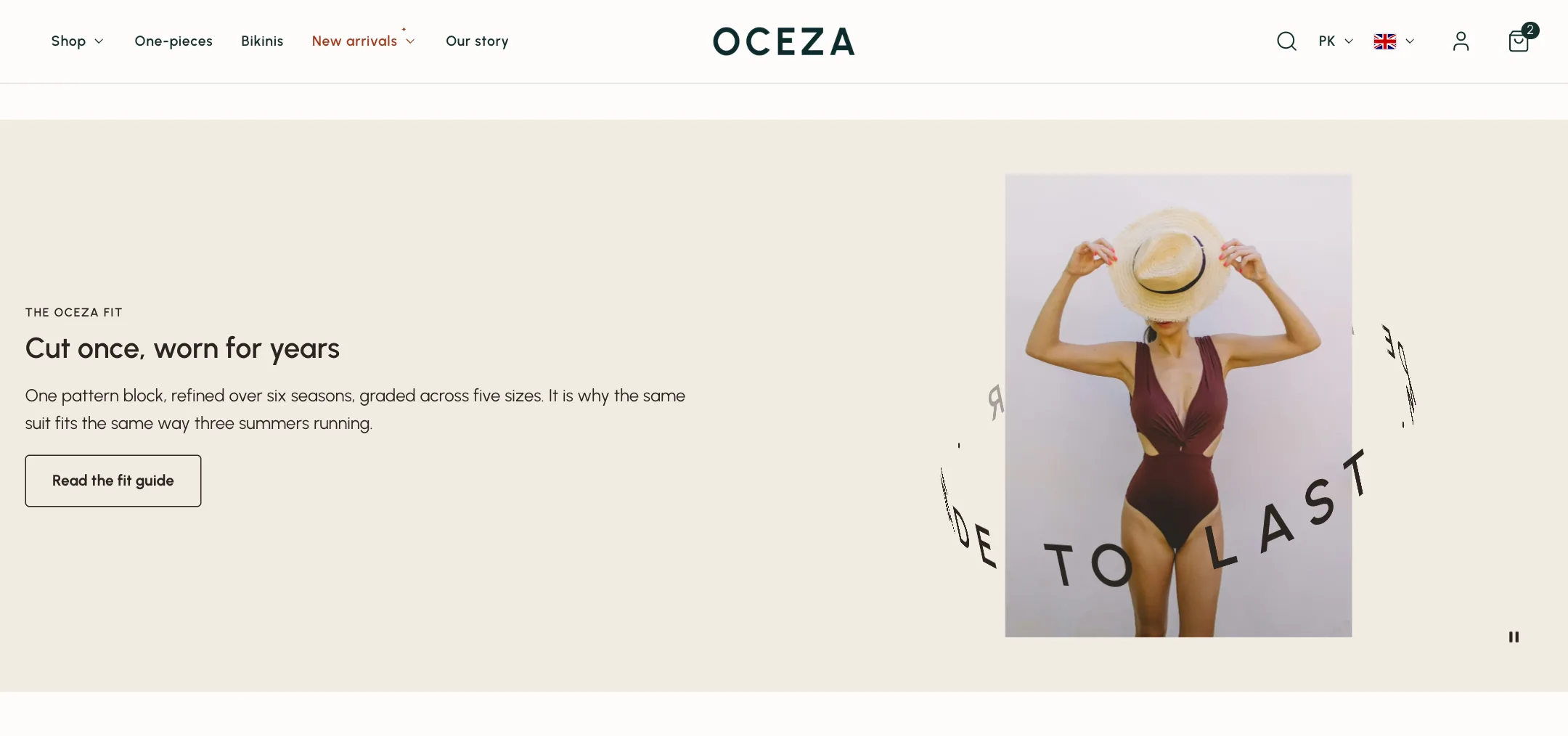
The ring
Section titled “The ring”Under Orbit, write the Text as short phrases separated by a dot, such as “Made with care · Made to last ·”. Show image puts a picture in the middle; a transparent cut-out lets the words pass behind it, or Image card frames it. Orbit width, Image size and Text size set the proportions. Tilt is how steeply you look down on the ring; Slant leans it like a hoop mid-spin. Rotate text turns it at the Rotation duration and direction you set, and Show play/pause button lets visitors stop it.
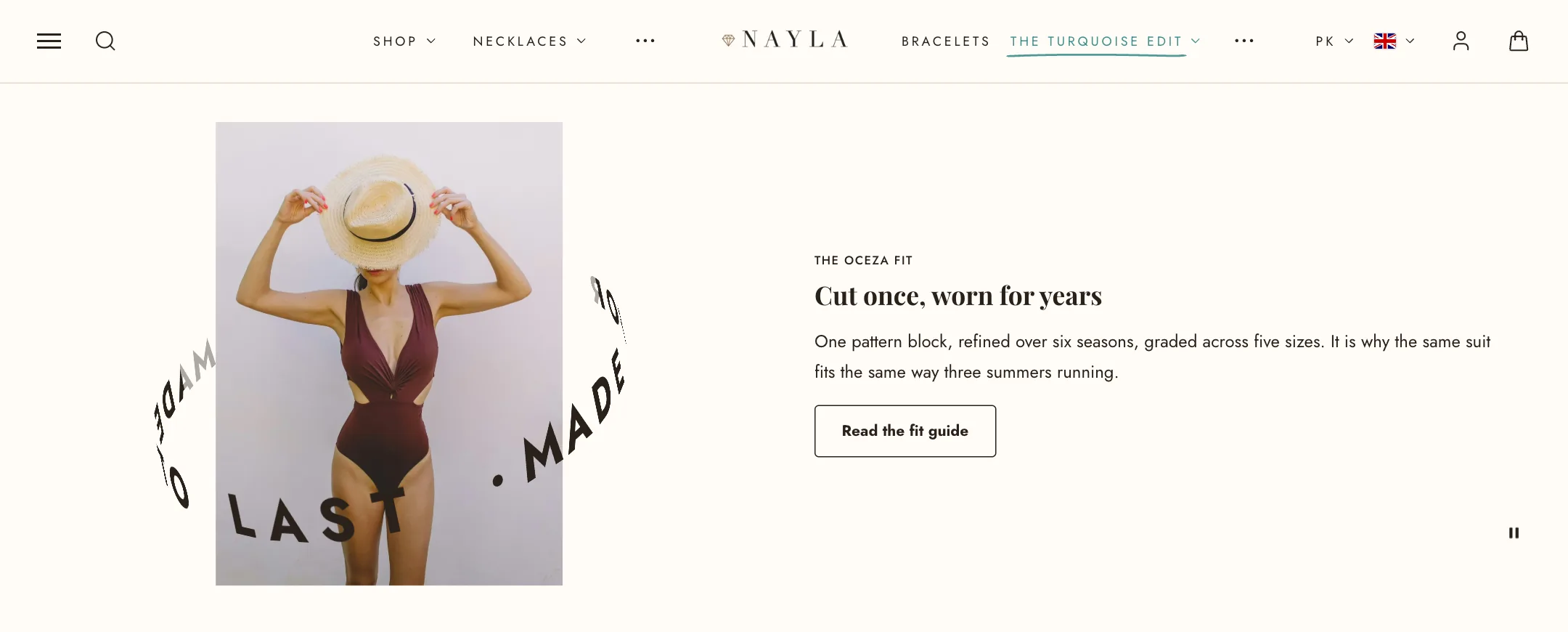
Beside it
Section titled “Beside it”The words beside the ring are blocks: eyebrow, heading, text, buttons and anything else the theme offers. Under Beside the orbit: their alignment, the orbit’s column width, and the space between columns. Show a banner instead of blocks swaps the words for a picture banner from the Banner block.
Under Layout: colour scheme, width, a Height that adapts to the content or fills the screen, the orbit’s side, and Let the header overlap for a transparent header when this is the first section.
On mobile
Section titled “On mobile”Orbit first or words first, a phone banner height, its own orbit size and text size, and full-screen or adapt-to-content height.