
Store location
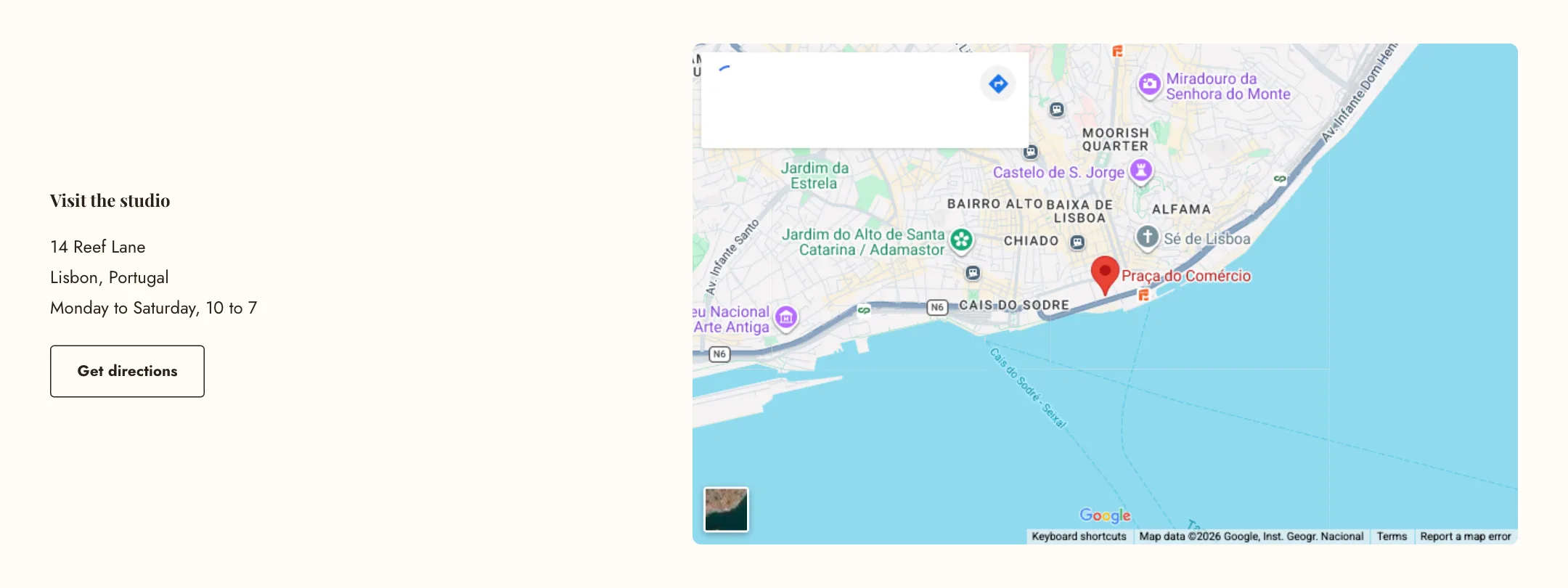
Designed for stores with a physical location, this section places your address and opening hours beside a map, with a button that opens directions in the visitor’s preferred maps app.
Set it up
Section titled “Set it up”Write the Heading and the Address and opening hours as text, and add a Photo of the storefront so people recognise it.
Under Map, type the Address to show on the map the way you would search for it, and set the Zoom. No account or key is needed. A Phone number is given to search engines with the address so the store can appear on maps; it is not shown on the page. If you would rather use a map you have styled yourself, paste the embed code from Google Maps (find the address, then Share, then Embed a map) into Or paste a map embed code and it replaces the automatic one.
Directions button is the button’s label; leave it empty for no button. It opens the address in the visitor’s own maps app, so it works on a phone as it does on a computer.
Under Layout: the map’s side, colour scheme, width, and the map’s height on large screens and on phones. The map is fetched only when the section scrolls near the screen, so the sections above it load first.