
Product recommendations and recently viewed
Two sections that fill themselves. Product recommendations lives on the product page and shows what goes with the product being viewed. Recently viewed can go on any page and shows what this shopper looked at last.
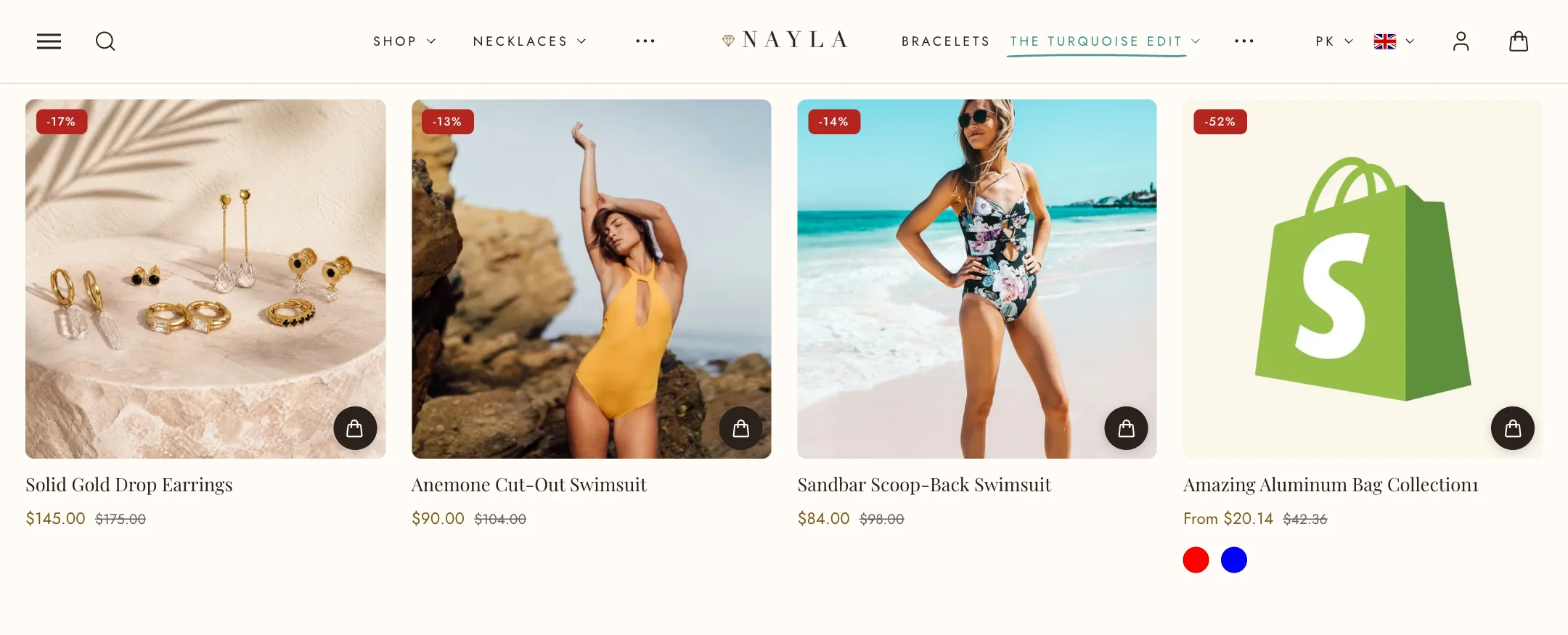
Product recommendations
Section titled “Product recommendations”Set Recommendation type to Related products, which Shopify generates from your catalogue, or Complementary products, which you assign in the Shopify Search & Discovery app. Use Products to choose how many recommendations appear.
Recently viewed set to As a second tab puts the shopper’s recently viewed products in a tab beside the heading, sharing the same layout. The heading becomes the first tab. On a first visit, with nothing viewed yet, only the recommendations show; when a product has no recommendations, only the recently viewed tab shows.
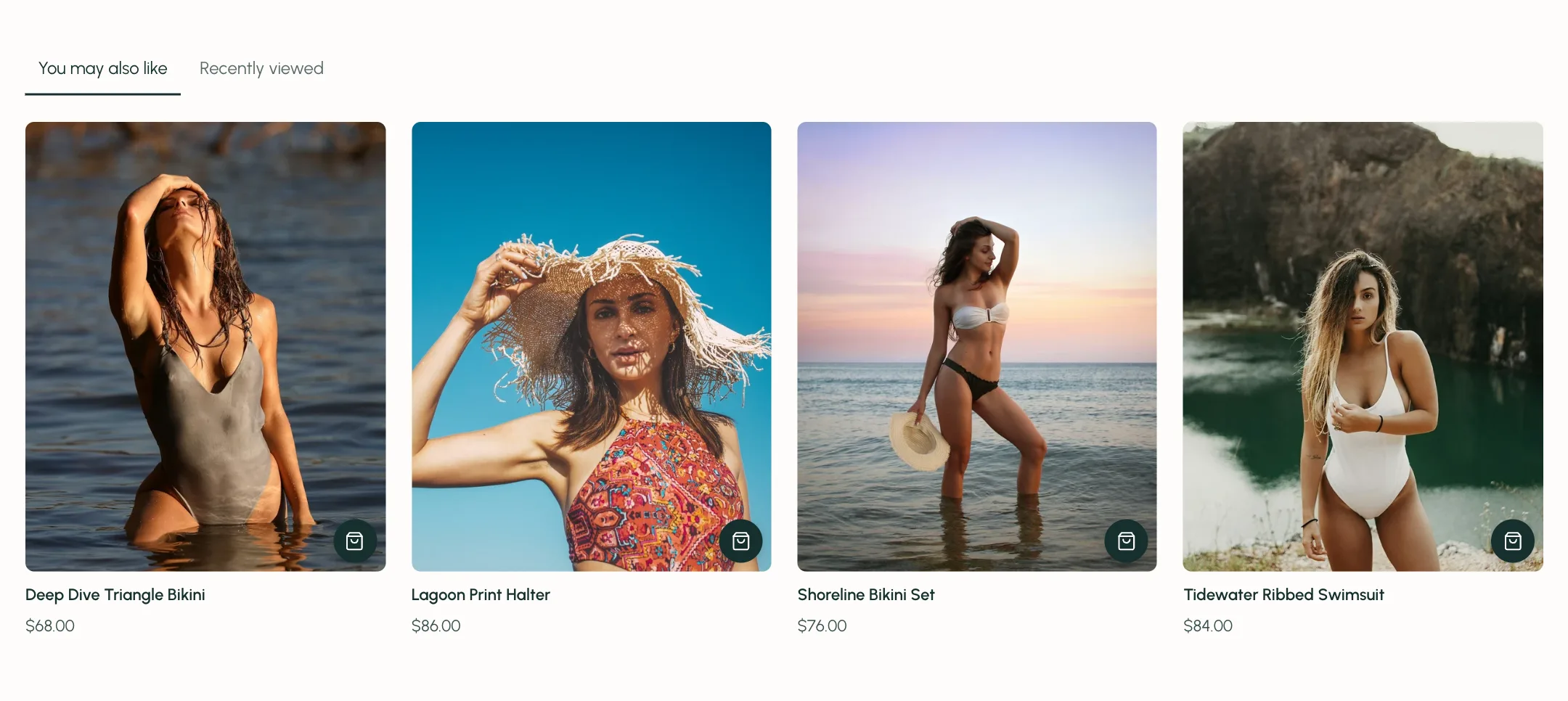
Under Heading: heading and alignment. Under Layout: grid or carousel, products per row, width, and for a carousel the navigation (none, arrows or dots), the arrows over or above the products, and their alignment.
Recently viewed
Section titled “Recently viewed”The same layout and heading settings, plus Products to show. It remembers the products this shopper opened in this browser and shows the latest first. On a first visit it is empty and takes no space.
On mobile
Section titled “On mobile”Both take their own heading alignment, grid or carousel, products per row and navigation.